
Sponsors




Hide Modules I Don’t Use?
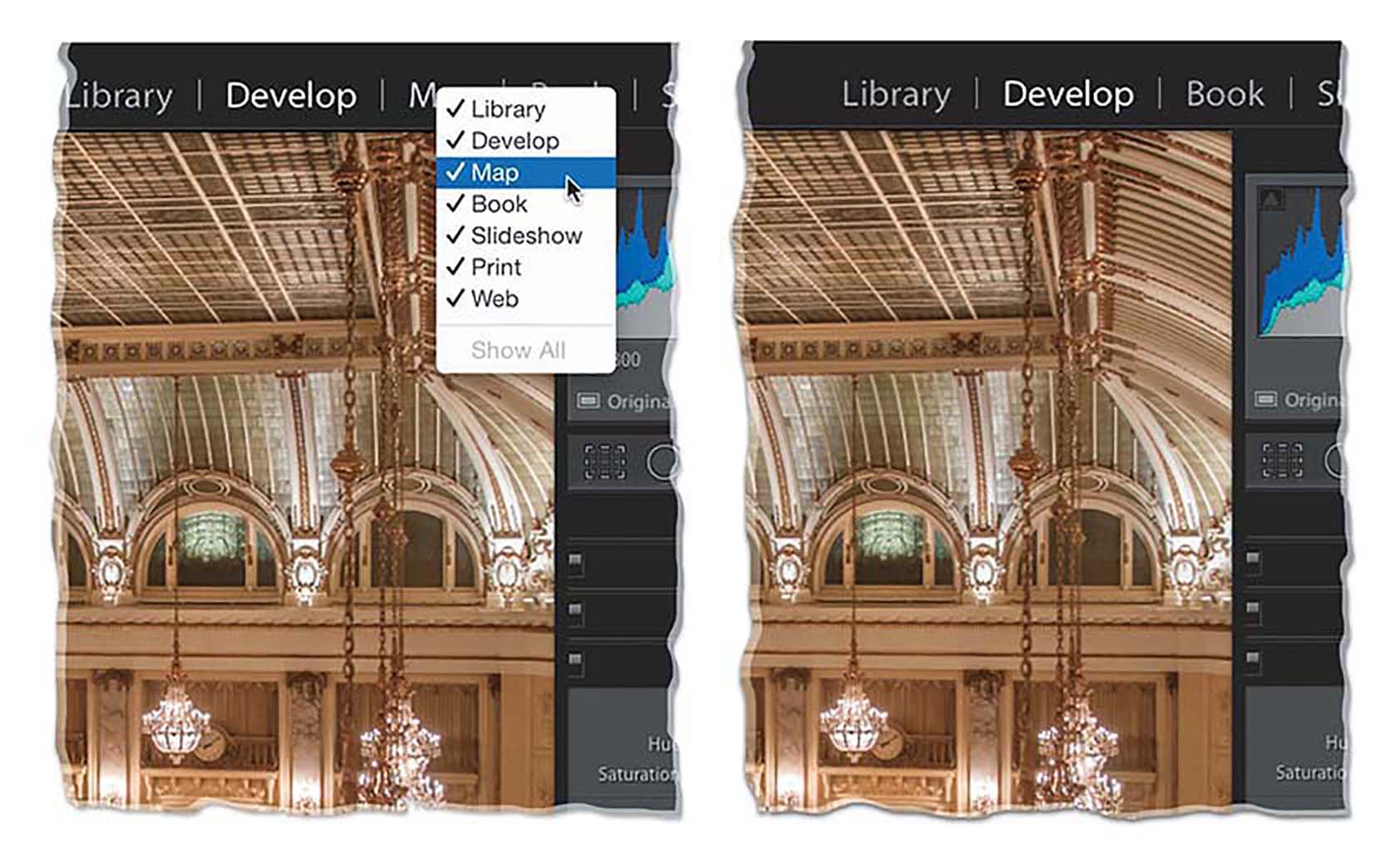
Just Right-click on any module’s name up in the taskbar (as shown above), and a pop-up menu appears with a list of all the modules. By default, they’re all checked because they’re all visible. To hide any one you don’t use (for example, I don’t use the Map module), just click on it to deselect it, and now that module is hidden. Don’t worry, if one day
you want that hidden module back, you bring it back the same way, by Right-clicking and choosing it from the same pop-up menu.