
Sponsors




Make My Font Size Larger?
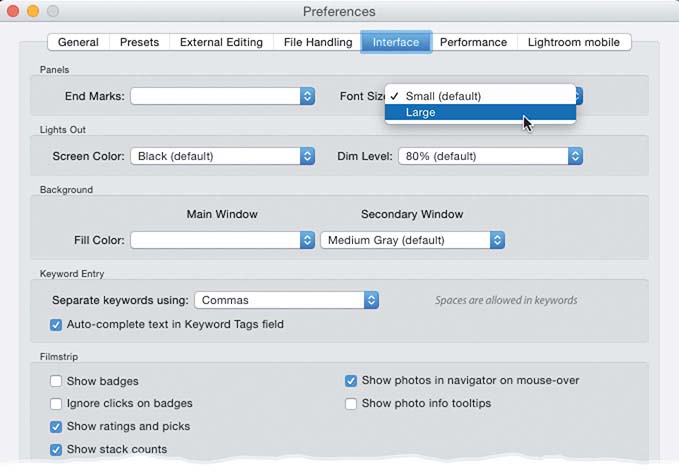
Wait! I can make my font size bigger? You bet! Go to Lightroom’s Preferences (under the Lightroom [PC: Edit] menu), click on the Interface tab, and in the Panels section up top, you’ll see a Font Size pop-up menu. There are only two choices (and, no, I’m not going to list them here, but here’s a hint: don’t choose Small. Sorry, I couldn’t help myself). Now, there is a catch: you have to restart Lightroom to actually see this new larger font size, but once you do, you’ll dig it, especially if you’re super old (I’m sorry. That was
insensitive. Grandpa).