
Sponsors




Stop the Side Panels from Popping In/Out?
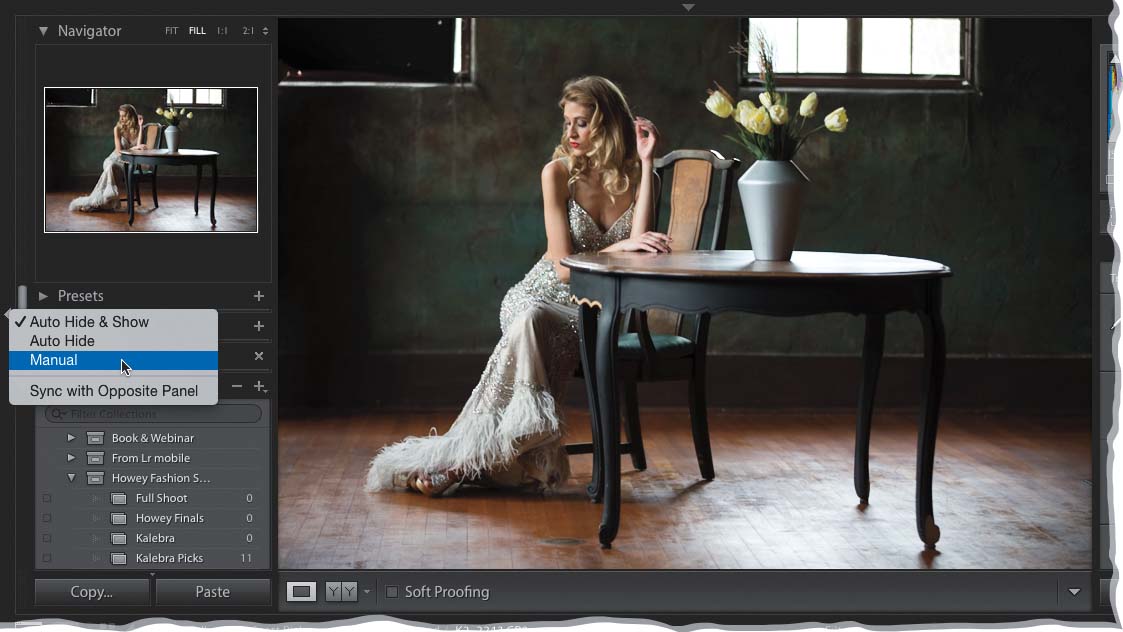
Just Right-click directly on any of the little arrows at the center edges of Lightroom and a pop-up menu will appear. That “panel popping” is called, “Auto Hide & Show” and to stop it from poppin’, just choose Manual from this pop-up menu (you have to do this for each individual panel you want to stop poppin’). Now, to open or close a panel, you’ll click once on that same arrow at the edge of the panel you want to open/close. Not Right-click; just click once to open/close. How to turn off this “Auto Hide & Show” is one of the most frequently asked questions I get.