
Sponsors




Create a Custom Page?
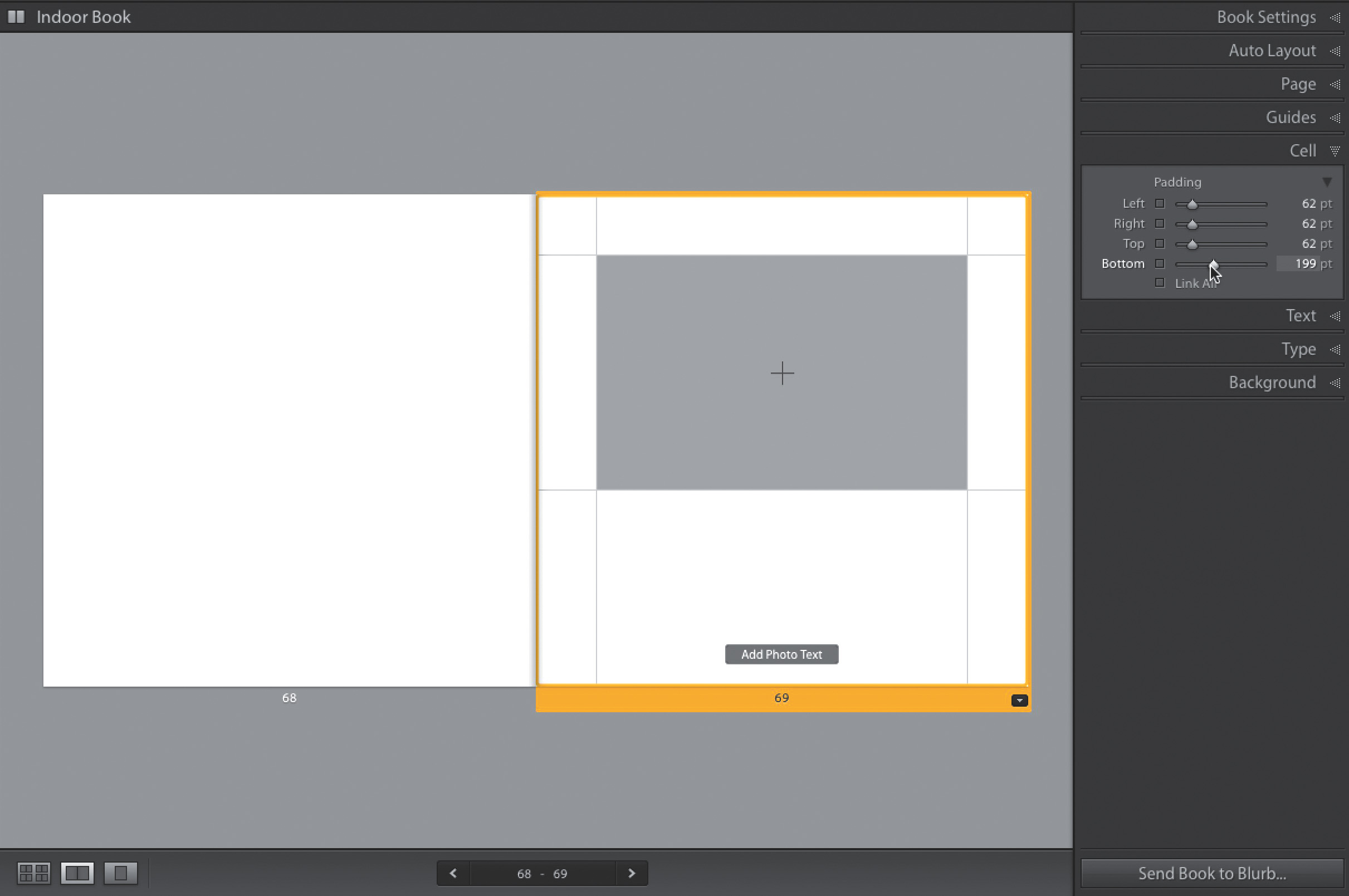
Start by choosing the One Photo Per Page (1-photo, full bleed) template from the Preset pop-up menu in the Auto Layout panel (in the right side Panels area). Now, click on a page to make it active, then click on the bottom-right corner of the gray cell, and drag diagonally inward. Once you drag, even just a little bit so you see some white background area, go to the Cell panel (in the right side Panels area), turn off Link All, and now you can either move the Padding sliders (as shown above) to create a custom size for your photo cell, or just drag its edges to the size and shape you want.