
Sponsors




Save My New Custom Page Layout?
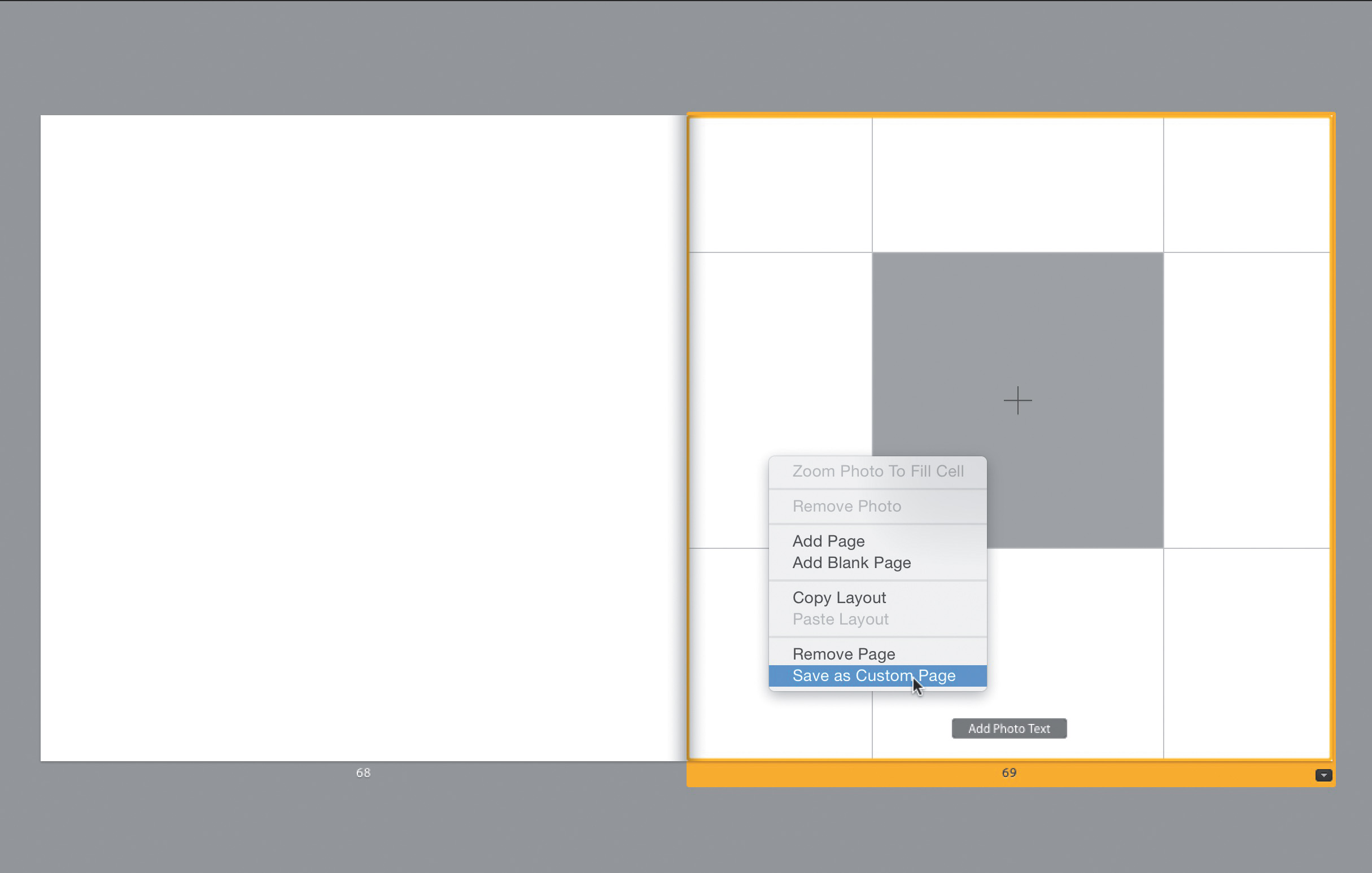
Once you have a custom page set up the way you want it, Right-click anywhere on the page and, from the pop-up menu that appears, choose Save as Custom Page. There’s no naming it or anything like that—it’s just automatically added to the Modify Page pop-up menu, under Custom pages, where you’ll see a small thumbnail of the custom page you’ve created. You get to this menu by clicking on the little black button in the bottom-right corner (circled in red above) of the currently selected page (see page 195 for more on this).