
Sponsors




Make Images Easier to Find Later?
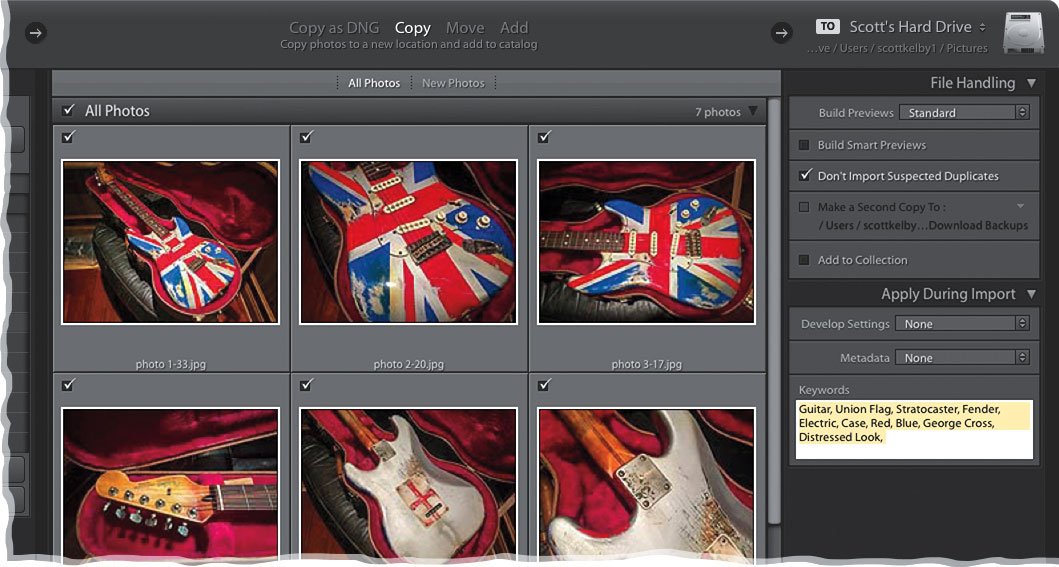
Applying generic keywords (basically, search terms) when you’re importing a bunch of similar photos will make finding them later even easier. You do this in the Import window, in the Keywords field of the Apply During Import panel (on the right). Just click in this field, start typing—put a comma between each keyword or phrase—and they’ll be added to each image as they’re imported. Once imported, you can search for these images using any one (or more) of those keywords you added during import using Lightroom’s Find feature (found under the Library menu) or Library Filter bar (above the center Preview area).