
Sponsors




Save This Book Layout to Use Again?
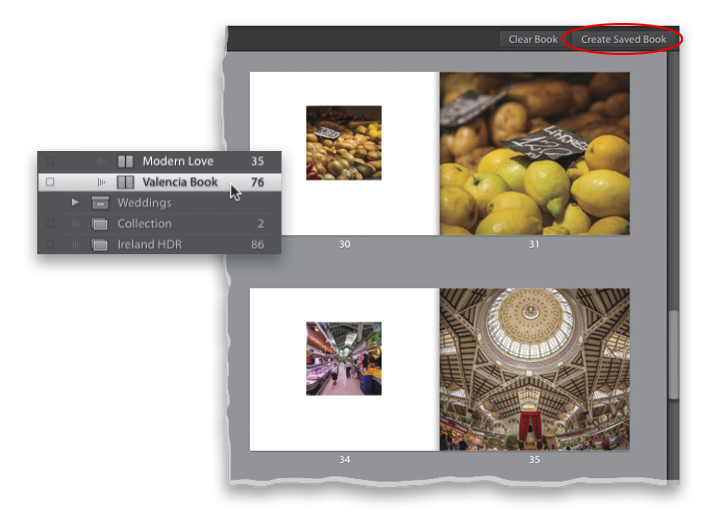
Once you’re done, go up to the top-right corner of Multi-Page view and click on the Create Saved Book button (shown circled above). That way, if you want to print this same book again some time in the future, it will keep not only this layout, but the same photos in the same order, so you don’t have to rebuild it from scratch again. When you create a saved book like this, it creates a new collection just for this book, but its icon looks like a book so you can easily see the difference between a regular collection and this book collection (as seen in the inset above—take a look, for example, at the icon for the Ireland HDR collection versus the book icon for Valencia Book).