
Sponsors




See an Overview of My Entire Book?
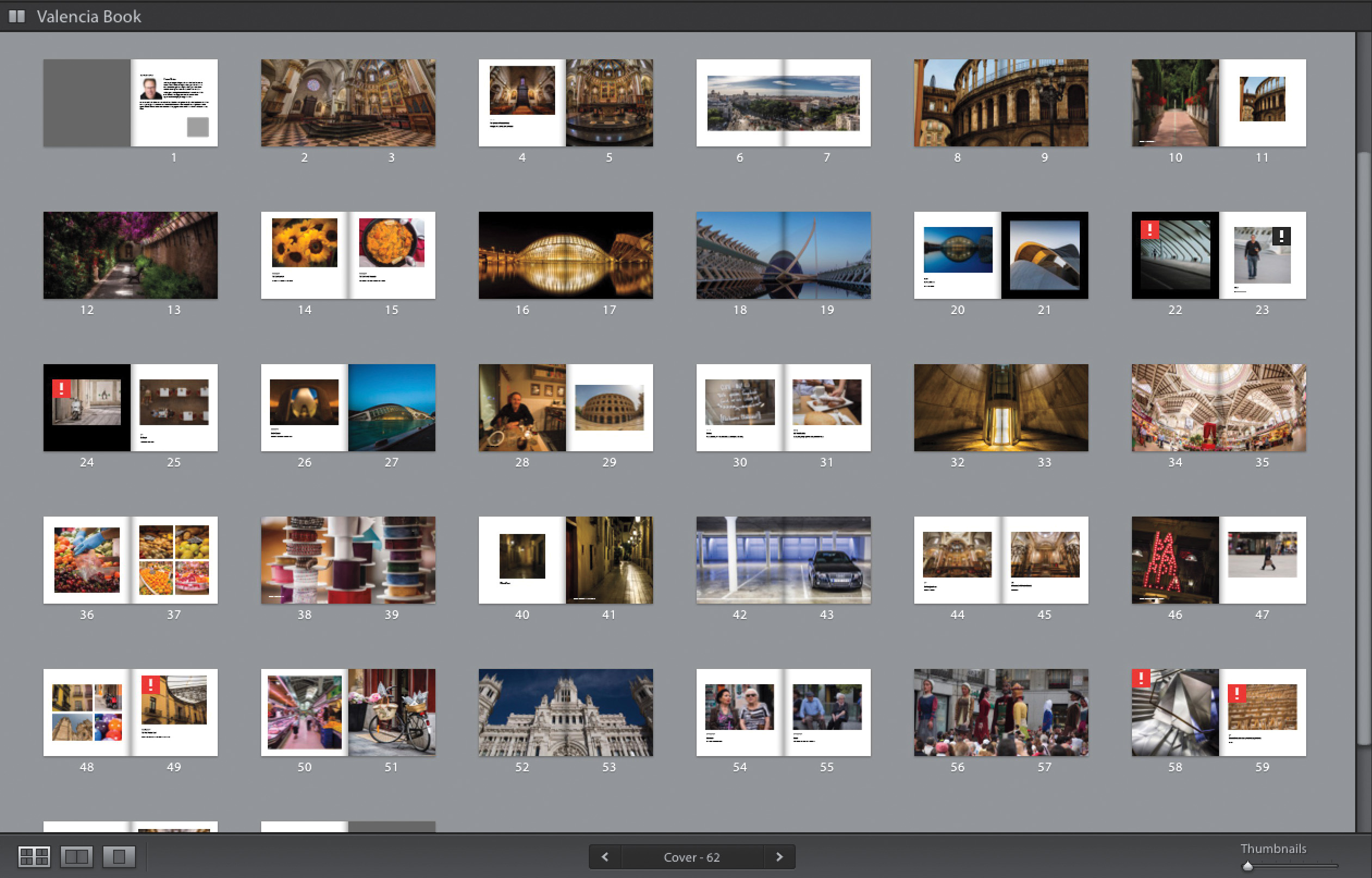
If you’re looking at a spread or single page, just press Command-E (PC: Ctrl-E) to jump to Multi-Page view. Next, press Shift-Tab to hide all your panels, so all you see are your pages, then drag the Thumbnail slider (at the bottom-right corner) all the way over to the left to make your thumbnails small enough to see a lot, it not all, of your book at one time onscreen. If it can’t fit it all onscreen at the same time, you’ll be able to scroll down to see any pages that couldn’t fit.