
Sponsors




Create a New Lightroom Catalog?
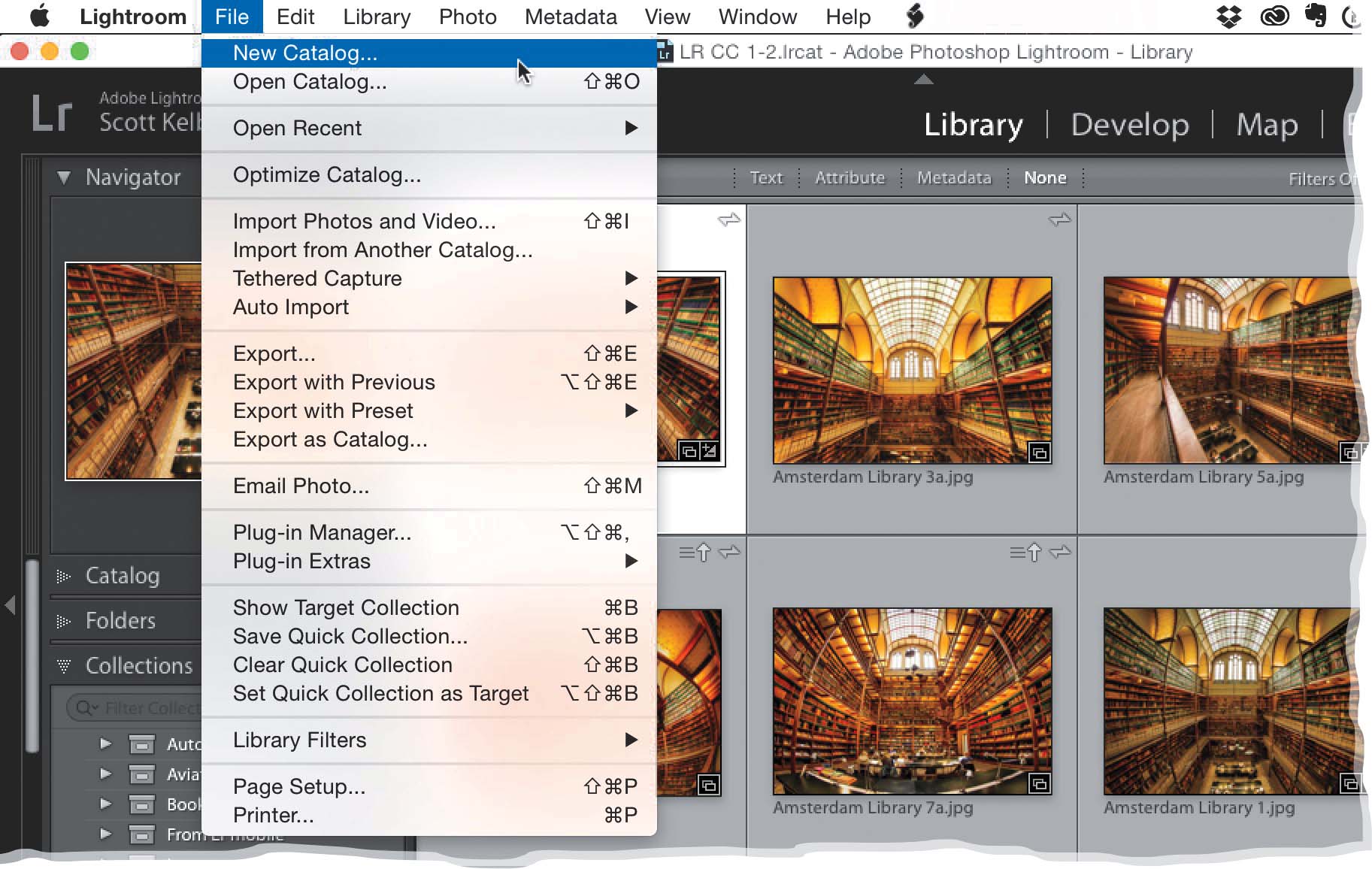
Go under the File menu and choose New Catalog. This closes your current catalog and creates a completely new, completely empty catalog with no images, no thumbnails, no nuthin’. To return to your previous catalog, go under the File menu, under Open Recent and you’ll find it in the list right there (of course, if you just created your first new catalog since you started using Lightroom, it’s going to be a pretty short list).