
Sponsors




Make My Panels Larger?
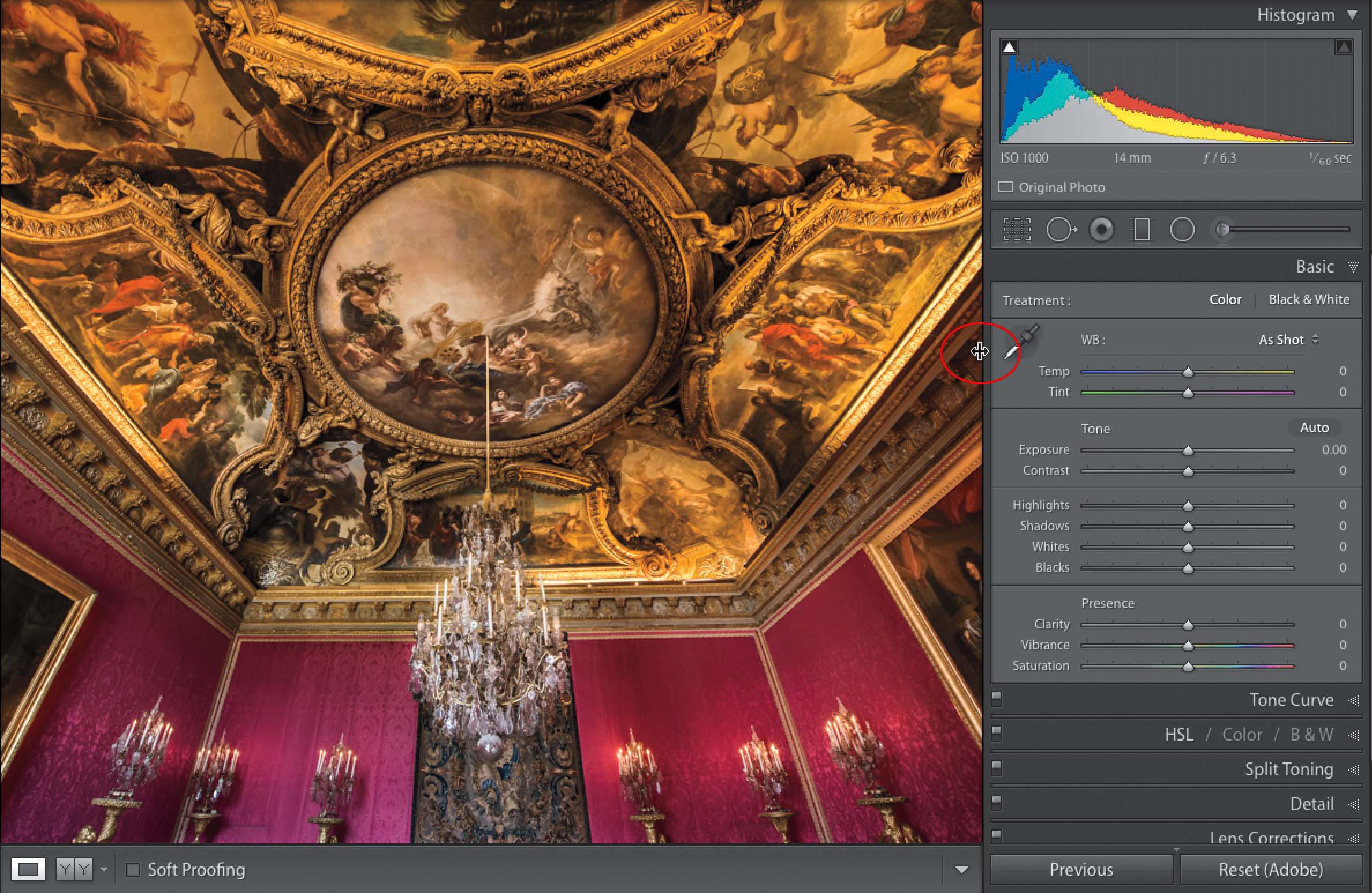
Just move your cursor right along the edge (the edge closest to your image(s), not the outside edge), as shown above, and your cursor will change into a two-headed arrow (shown circled here in red). Now, just click-and-drag to make your panels larger or smaller (your panels will only get so thin—they need a certain amount of space for the sliders and such to work—but they can get really wide if you want them to, just keep dragging in toward your image(s).