
Sponsors




Add Page Numbers?
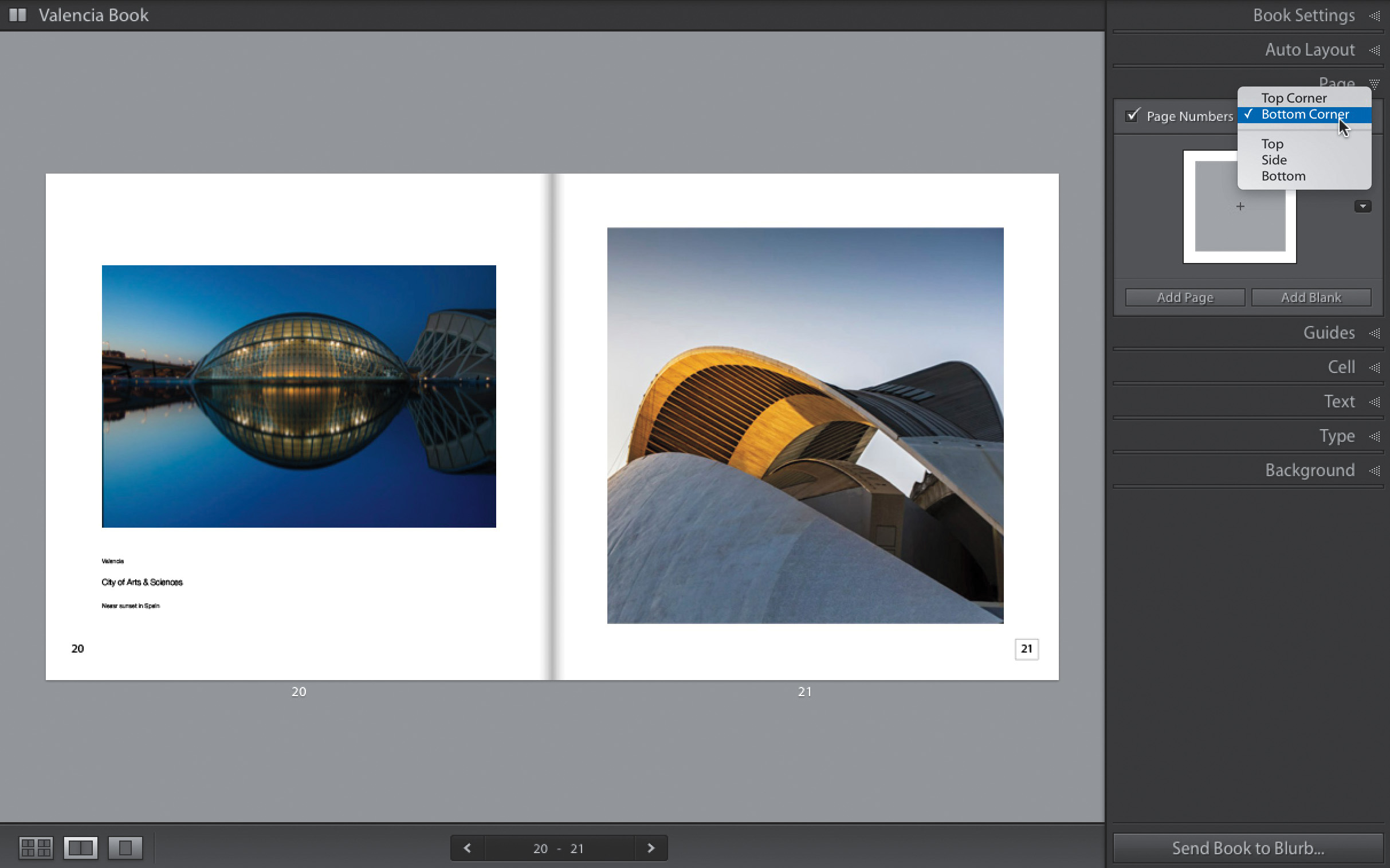
Go to the Page panel (in the right side Panels area) and, at the top, turn on the Page Numbers checkbox. You can then choose where you want the page numbers to appear on the page, from the pop-up menu to the right (here, I chose Bottom Corner). Also, you can highlight a page number on a page and change its font, size, and style in the Type panel (also, in the right side Panels area). If you want to hide the page number for a particular page, just Right-click on the page and choose Hide Page Number.