
Sponsors




Use the Built-In Page Templates?
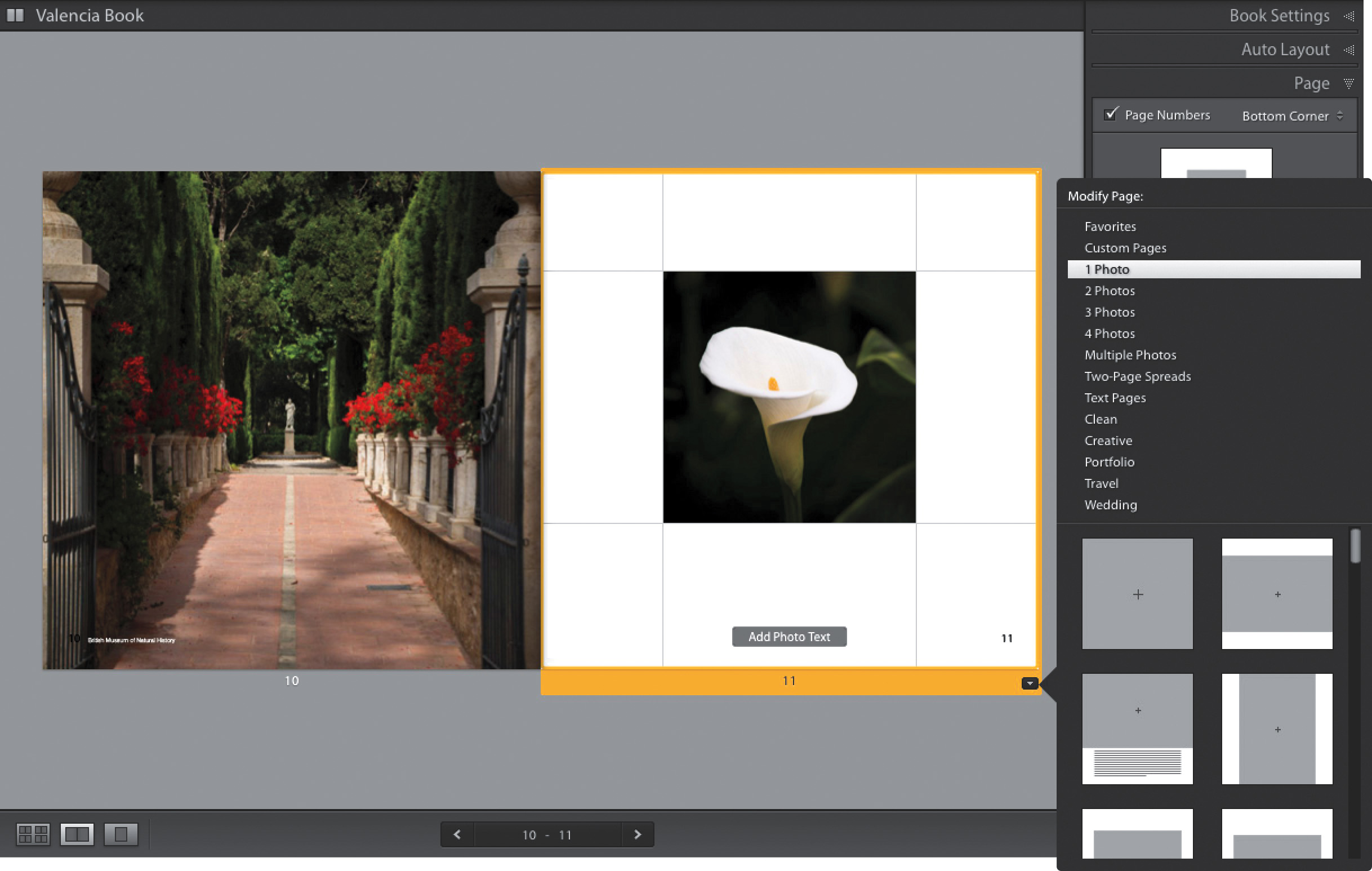
Click on a page and a yellow highlight will appear around it, and in the bottom-right corner you’ll see a black arrow button. Click on that button and the Modify Page pop-up menu appears (shown here). Start by clicking on how many photos you want to appear on the page, and the templates appear below in a scrolling list, showing a thumbnail of each layout. To apply any layout, just click on it. The option at the very top, Favorites, is the ones you picked as favorites from Adobe’s built-in templates (you can make any of those thumbnails a favorite by Right-clicking on a thumbnail and choosing Add to Favorites). Custom Pages, also near the top, are pages you created from scratch and saved to that set (see pages 191–192).