
Sponsors




Get Presets I Downloaded from the Web into Lightroom?
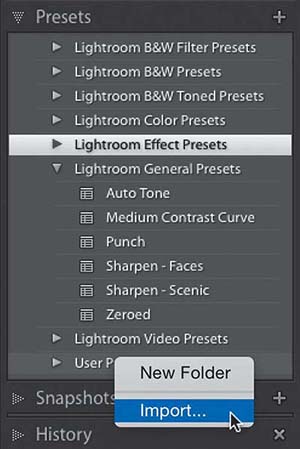
Just go to the Presets panel, in the Develop module’s left side Panels area, scroll down and Right-click on the User Presets set. From the pop-up menu that appears, choose Import (as shown above). Now just navigate your way to the preset you downloaded, click the Import button, and that preset will appear in your User Presets set.