
Sponsors




Use a Photo as My Page Background?
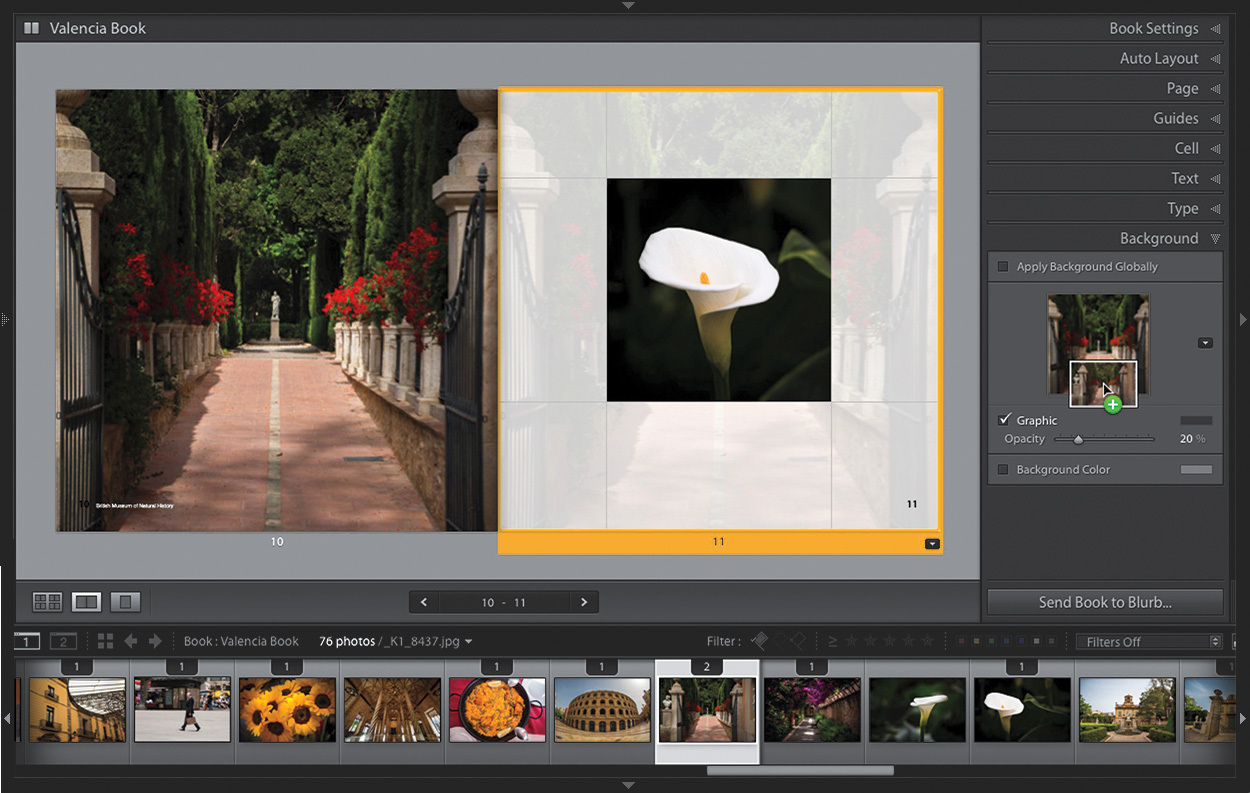
Go to the Background panel (in the right side Panels area), and then go down to the Filmstrip and drag-and-drop the photo you want as your page background onto the background image well, in the middle of the panel (as shown above). If you just want this background to appear behind the page you’re working on (rather than appearing on every page in the book), turn off the Apply Background Globally checkbox (also seen above). Once your background image appears behind your photo, you can control the opacity of the image using the Opacity slider.