
Sponsors




See Where My Photo Was Taken?
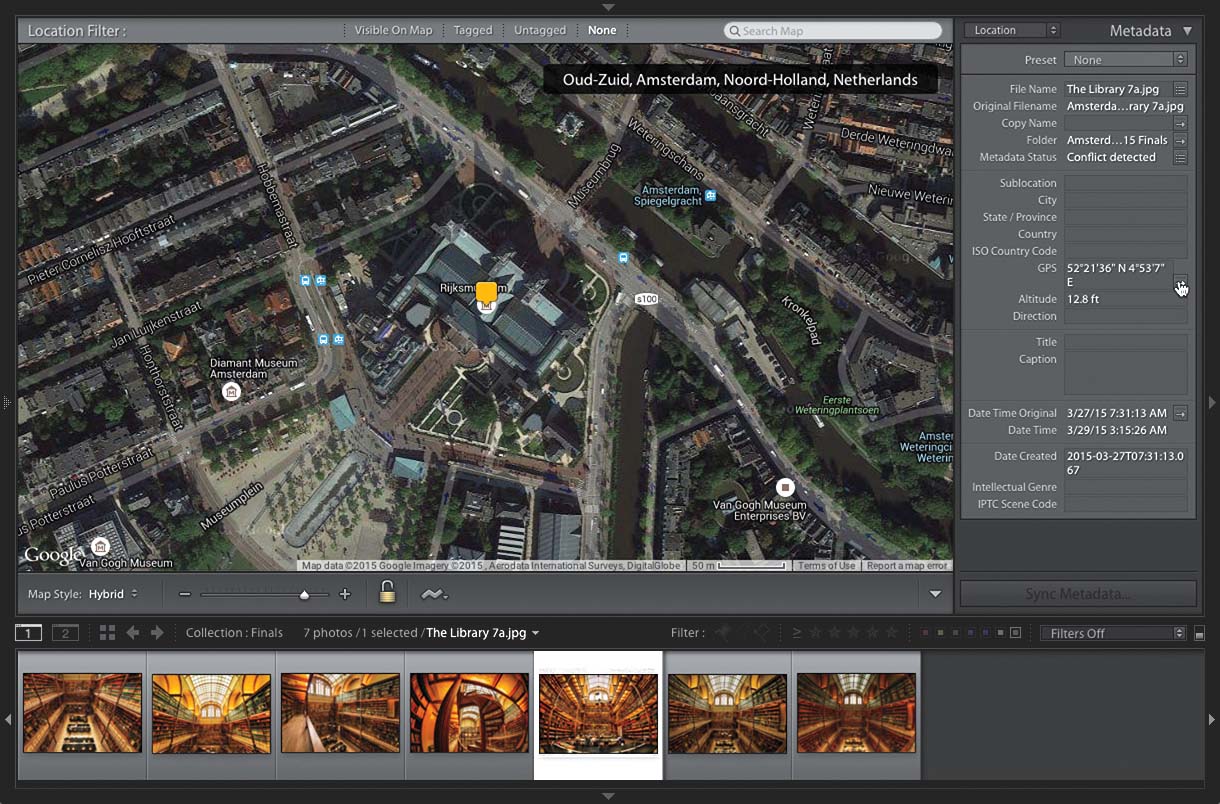
As long as your image has GPS location data embedded into the file, in the Library module, in the Metadata panel (in the right side Panels area), scroll down to GPS, and to the far right of that field, you’ll see an arrow. Click on that arrow and it will switch you to the Map module and display a map of the exact location where that photo was taken, as seen above.