
Sponsors




Speed Things Up If Things Get Slow?
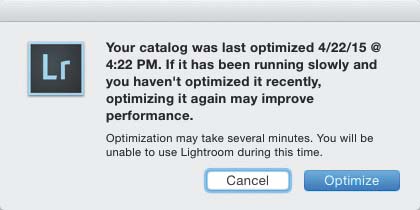
If Lightroom starts to feel a little sluggish, maybe its time to optimize your Lightroom catalog (this can happen after using the same catalog for a long time, with lots and lots of photos in that one catalog). To do this, go under the File menu and choose Optimize Catalog. This brings up a dialog letting you know how long it has been since you last optimized it (you can see mine was way overdue). Just click Optimize and it does the rest (the bigger your catalog of images, the longer it will take, but it shouldn’t take more than five minutes). When it’s done, your catalog is optimized and you should be running…well…optimally.