
Sponsors




Reset My Edits?
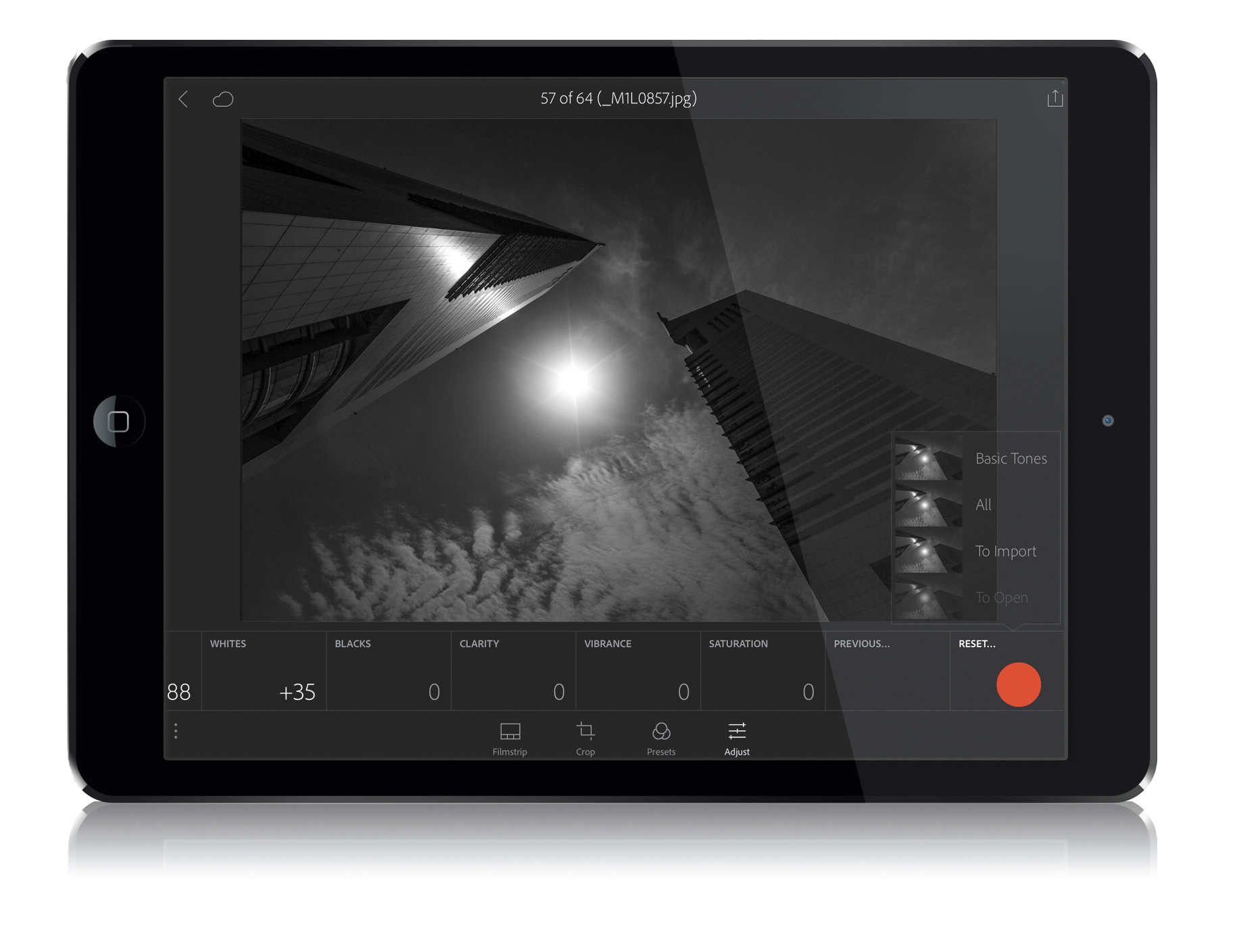
If you just want to start over with your editing (you made some tweaks you don’t like,
or you just wanted to experiment, etc.), swipe the tiles all the way over to the far right and tap the Reset tile (as shown above, marked in red). This brings up a pop-up menu where you can choose if you just want to reset the Basic Tones (leaving stuff like any cropping you did still in place), or All (which resets everything, including anything you did to the image in LR desktop before you brought it over to LR mobile), or To Import, which resets it to how it looked when you imported the image into LR mobile (so keeping the changes you made in LR desktop, but resetting everything you did to it once it was imported into LR mobile).